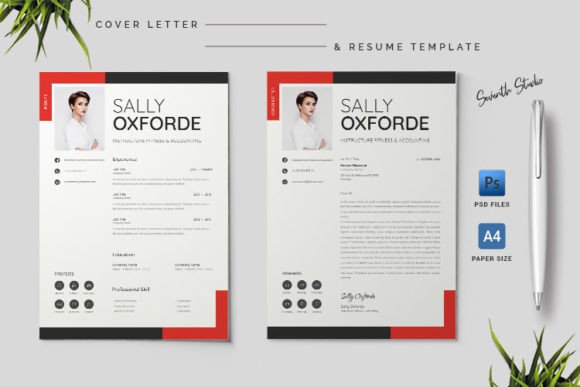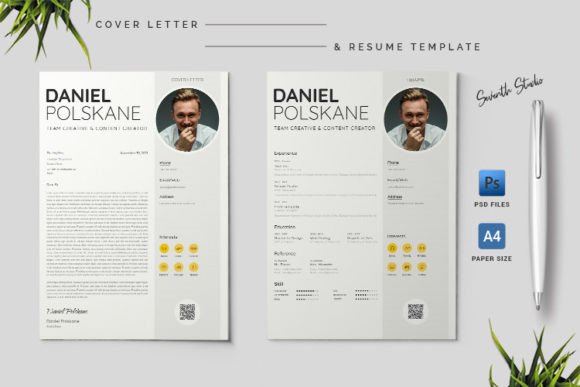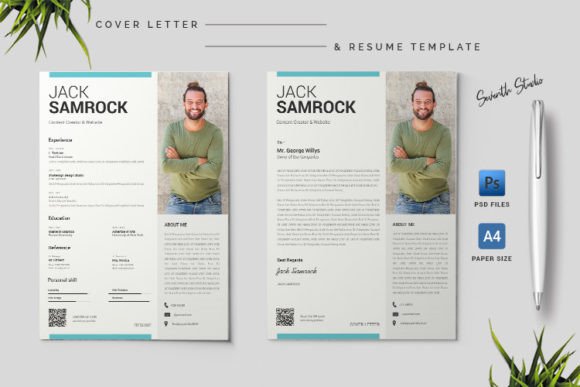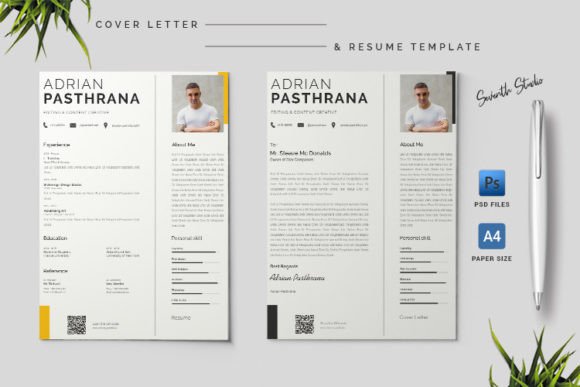
A4 Cover Letter & Resume Template 1.10: Your Next Professional Move
In a competitive job market, first impressions are often made on paper or a screen before they’re made in person. Your application documents are your initial handshake, your opening statement, and your personal brand ambassador all in one. A cluttered, generic resume can get lost in a pile, while a polished, cohesive presentation can command attention. This is the exact problem the A4 Cover Letter & Resume Template 1.10 was built to solve. It’s more than just a set of files; it’s a strategic framework for presenting your professional narrative with clarity and visual confidence.
Beyond a Simple Document: A Design System for Your Career
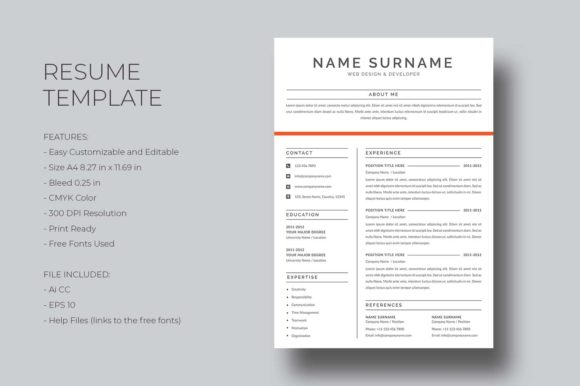
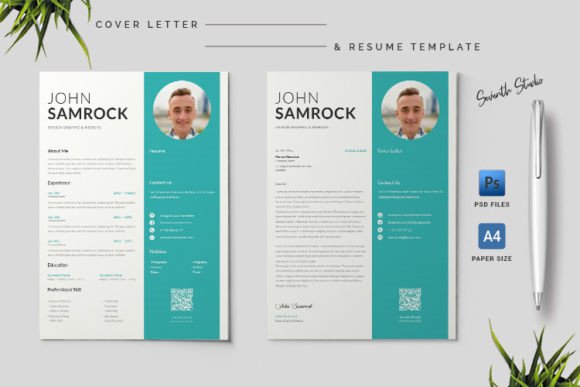
At its core, this template is a print-ready, A4-sized design system. The "1.10" version indicates a refined iteration, suggesting attention to detail and user feedback. Visually, it leans towards a clean, modern aesthetic. The use of Photoshop shapes ensures crisp, scalable elements, while the 300 DPI CMYK color mode guarantees that what you see on screen translates accurately to professional printing. The 3 mm bleeds are a subtle but crucial feature, allowing your design to extend to the edge of the page without leaving an unprofessional white border—a detail that separates amateur work from professional design assets.
Its personality is one of organized versatility. It provides structure without stifling creativity. The layout guides the reader's eye through your experience, skills, and portfolio with intentional visual hierarchy. This isn't about flashy graphics; it's about modern typography and smart layout that elevates your content. The template understands that a brand identity for an individual is just as important as for a company, helping you build a consistent and recognizable personal brand across your cover letter and resume.
Practical Applications: Where This Template Shines
The true strength of the A4 Cover Letter & Resume Template 1.10 lies in its adaptability. It’s a creative font and layout solution that serves a wide spectrum of professionals. For a graphic designer or photographer, the PSD files act as a mini-portfolio, allowing you to integrate project snapshots directly into your resume using smart objects. Marketers and content creators can use it to showcase campaign results or writing samples within a clean, readable format.
Entrepreneurs and small business owners will find it invaluable for creating polished service offerings or partnership proposals that look as professional as their business plans. Even in digital contexts, the design translates beautifully to PDF for email applications or as a downloadable asset on a personal website. Its A4 format is the international standard, making it suitable for applications across Europe, Asia, and beyond, ensuring your documents look right no matter where they're sent.
Making It Your Own: Editability and Strategic Font Use
A key feature is its promise of being "easy to editable." This is achieved through organized PSD layers and the use of free fonts from Google Fonts. This is a massive practical advantage. You avoid the licensing headaches and costs associated with many premium fonts, while still achieving a high-end look. The included Help.pdf is critical here—it likely contains direct links to the exact font pairings used, ensuring you can replicate the design's intended readability and style.
When customizing, think strategically. The template likely uses a combination of a strong sans serif font for headings and a clean serif or sans serif for body text. This classic font pairing creates an immediate sense of professionalism and makes dense information easy to scan. You might consider swapping the primary heading font for a complementary display font or a subtle script font for your name to add a unique touch, but always test for readability at smaller sizes. The goal is to use typography to reinforce your brand identity, not to distract from your qualifications.
Final Considerations for a Flawless Application
Before you send your polished documents, run through a final checklist. First, proofread meticulously—great design cannot save typos. Second, ensure all your personal details, photos, and experience are updated and accurate. When exporting for print, use the high-quality PDF preset. For digital submission, a standard PDF is universally accessible.
Remember, the A4 Cover Letter & Resume Template 1.10 is a tool. Its power is unlocked by your content and your thoughtful customization. It removes the guesswork of layout and typography, allowing you to focus on what matters most: telling a compelling story about your skills and experience. By providing a print-ready, easy-to-edit foundation, it empowers you to present yourself not just as a candidate, but as a prepared and detail-oriented professional ready for the next opportunity.